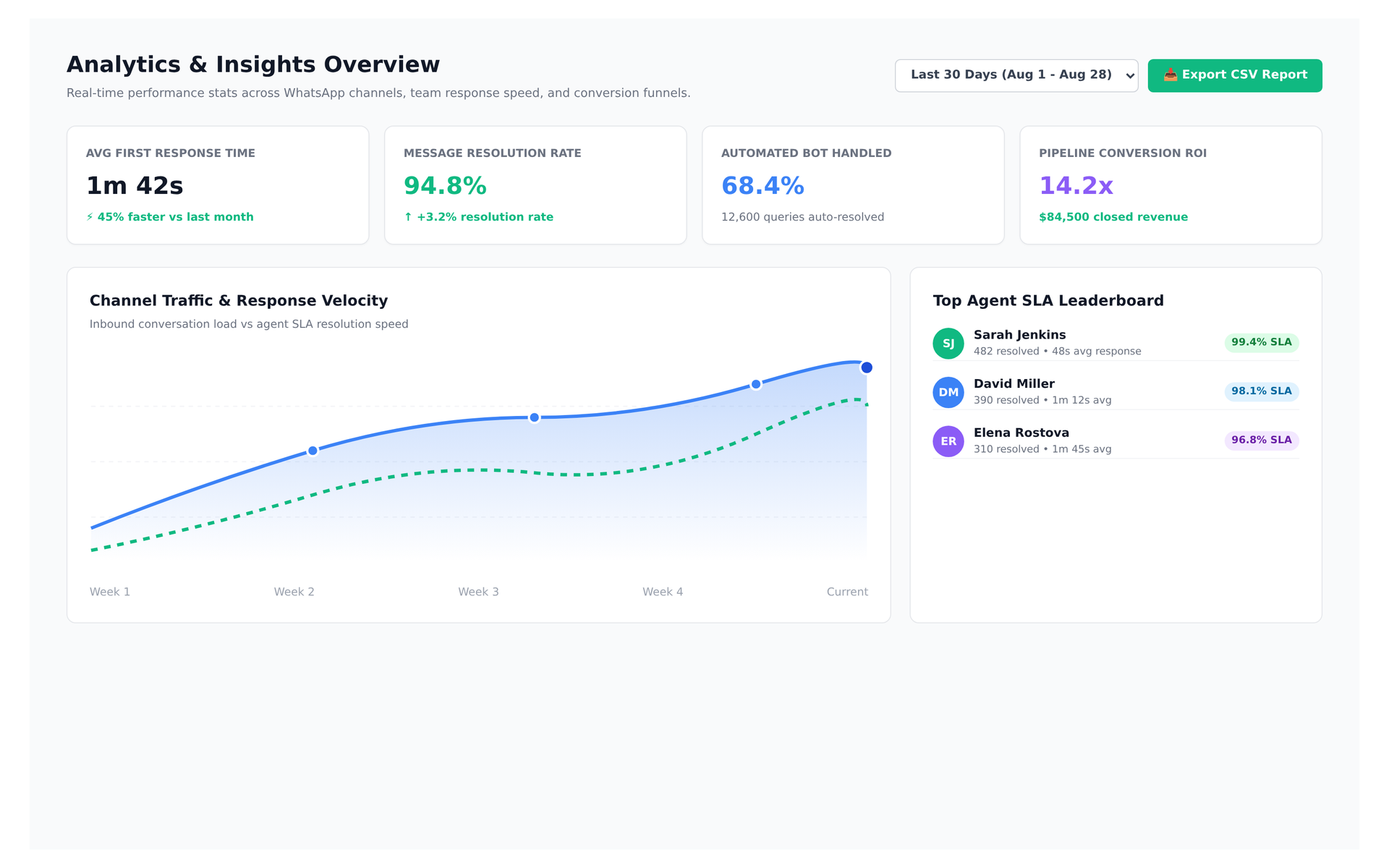
Live preview of Convoup's Conversation Analytics interface in action
The Challenge
Without analytics, you cannot measure response times, resolution rates, agent productivity, template performance, or peak hours. WhatsApp provides delivery and read receipts per message, but raw data is not a dashboard. You need aggregated metrics like first-response time, resolution time, volume by category, and agent productivity to manage effectively.
How Convoup Helps
Convoup's analytics dashboard aggregates data from WhatsApp webhooks. Metrics include: conversation volume (inbound/outbound by day, hour, and category), first-response time and resolution time (per agent and per team), agent productivity (conversations handled, messages sent), template performance (delivery, read, and opt-out rates), and peak activity (busiest hours and days). All metrics can be filtered by date range, agent, or category.
- Conversation volume tracking — inbound/outbound by day, hour, and category.
- First-response and resolution time metrics — per agent, per team.
- Agent productivity reports — conversations handled, messages sent.
- Template performance — delivery, read, and opt-out rates.
- Peak activity analysis — busiest hours and days for staffing.
Works with Shared Team Inbox, Automation Workflows, and Contact Management.
Real-Time Conversation Intelligence
Executive Performance Dashboard
Monitor first-response time (FRT), mean time to resolve (MTTR), and agent throughput in real time.
View Analytics


Peak Volume Heatmaps
Identify busiest days and hours to allocate agent shifts effectively.
Template Quality Tracking
Analyze delivery and response rates across all broadcast campaigns.