No-code Chatbot
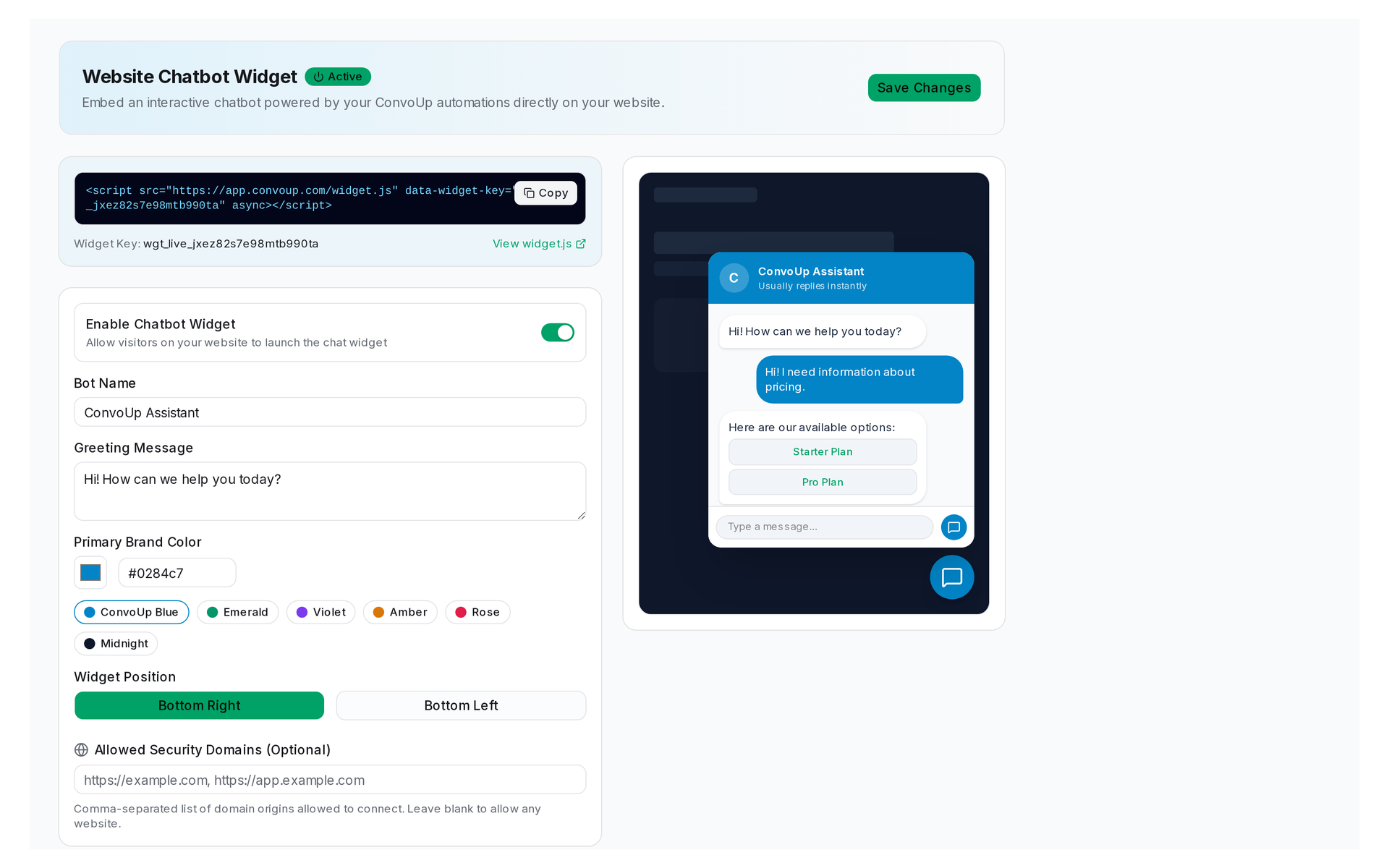
Live preview of Convoup's No-code Chatbot interface in action
The Challenge
On WhatsApp, chatbots operate under strict rules. Inside the 24-hour window (which starts when the customer sends an inbound message), free-form replies are allowed. Outside that window, only approved templates can be sent. This is fundamentally different from a website chatbot. WhatsApp also supports interactive messages (buttons and lists) that guide conversations without requiring the customer to type.
How Convoup Helps
Convoup's no-code chatbot uses a visual flow builder. You define trigger keywords, map them to reply sequences, add conditional branches, and escalate to a human agent when needed. Free-form replies inside the 24-hour window; outside the window, only Meta-approved templates. Convoup handles this transition automatically. Interactive buttons and list messages are used to guide customers through decision trees.
- Visual flow builder — drag and drop, no coding required.
- Keyword triggers and menu-based navigation.
- Automatic escalation to human agents when the chatbot cannot resolve the request.
- Operates within WhatsApp's 24-hour conversation window; Convoup handles the transition between free-form and template modes automatically.
Works with Automation Workflows and AI-Assisted Support.
Chatbot replies are subject to WhatsApp's 24-hour window. Free-form replies are only allowed within that window; outside it, only approved templates may be sent. Convoup handles this transition automatically.
Visual WhatsApp Bot Builder
Interactive Decision Trees
Guide users with WhatsApp native quick-reply buttons, interactive list menus, and instant answers.
Build Your Bot


24-Hour Window Guard
Automatically fallback from free-form text to approved templates outside active windows.
Seamless Human Handoff
Transfer conversation control to live agents when complex queries arise.